IDA
The classification of IDA Freeware is arguable as the tool can be used for both static and dynamic analysis. Without going too in-depth regarding the differences, there are two classifications of tools like IDA Freeware:
Disassemblers
Debuggers
Disassemblers reverse the compiled code of a program from machine code to human-readable instructions (assembly). This is limited to how the program represents itself in its current state! I.e. If the contents of an executable changes during execution - "Disassemblers" will not reflect this.
Whilst Debuggers deploy the same techniques used by "Disassemblers", "Debuggers" essentially facilitate execution of the program - where the analyser can view the changes made throughout each "step" of the program. These tools are great because a true picture of the program presents itself. However, if it is indeed malicious, you have now infected yourself.
With enough understanding, an analyser can introduce "breakpoints" (or pauses) at various stages of a program, where the program will execute up until a breakpoint. For example, sticking with the idea of Ransomware, an analyser can create a "breakpoint" within the application prior to the actual stage of encryption of files. This facilitates an analyser to view the various changes of a program during execution (such as unpacking or connecting to a remote server such as that in a botnet) up until the point of malicious infection.
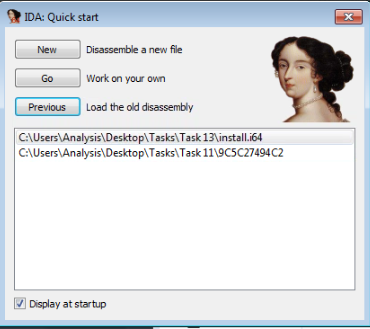
Lets launch "IDA Freeware" and select the file to import, in this case we'll be using "uninstall.exe"
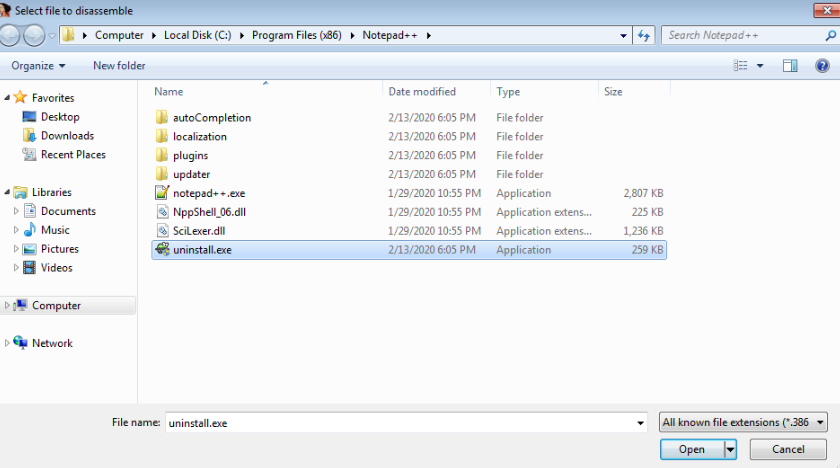
And navigate to the file...
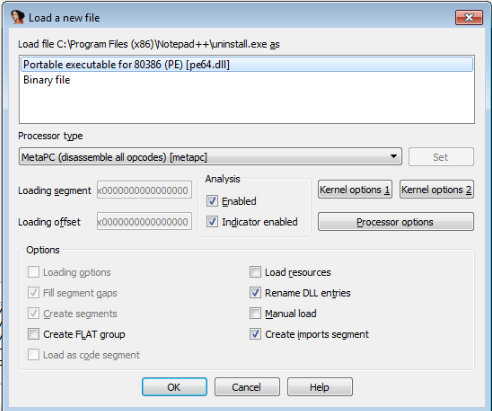
2. Since we know it is an executable file, we select "Portable executable for 80386 (PE) [pe64.dll]"
3. After pressing "OK" the application will load. Allow a few minutes for the executable to be decompiled.
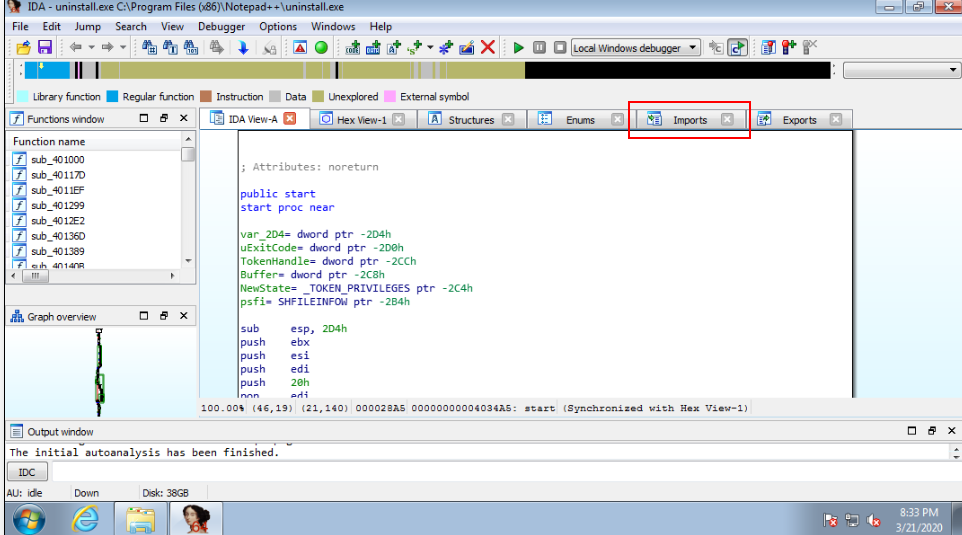
There are various tabs, similar to what we saw in "PE Explorer" i.e. "Imports" and "Exports".

Last updated